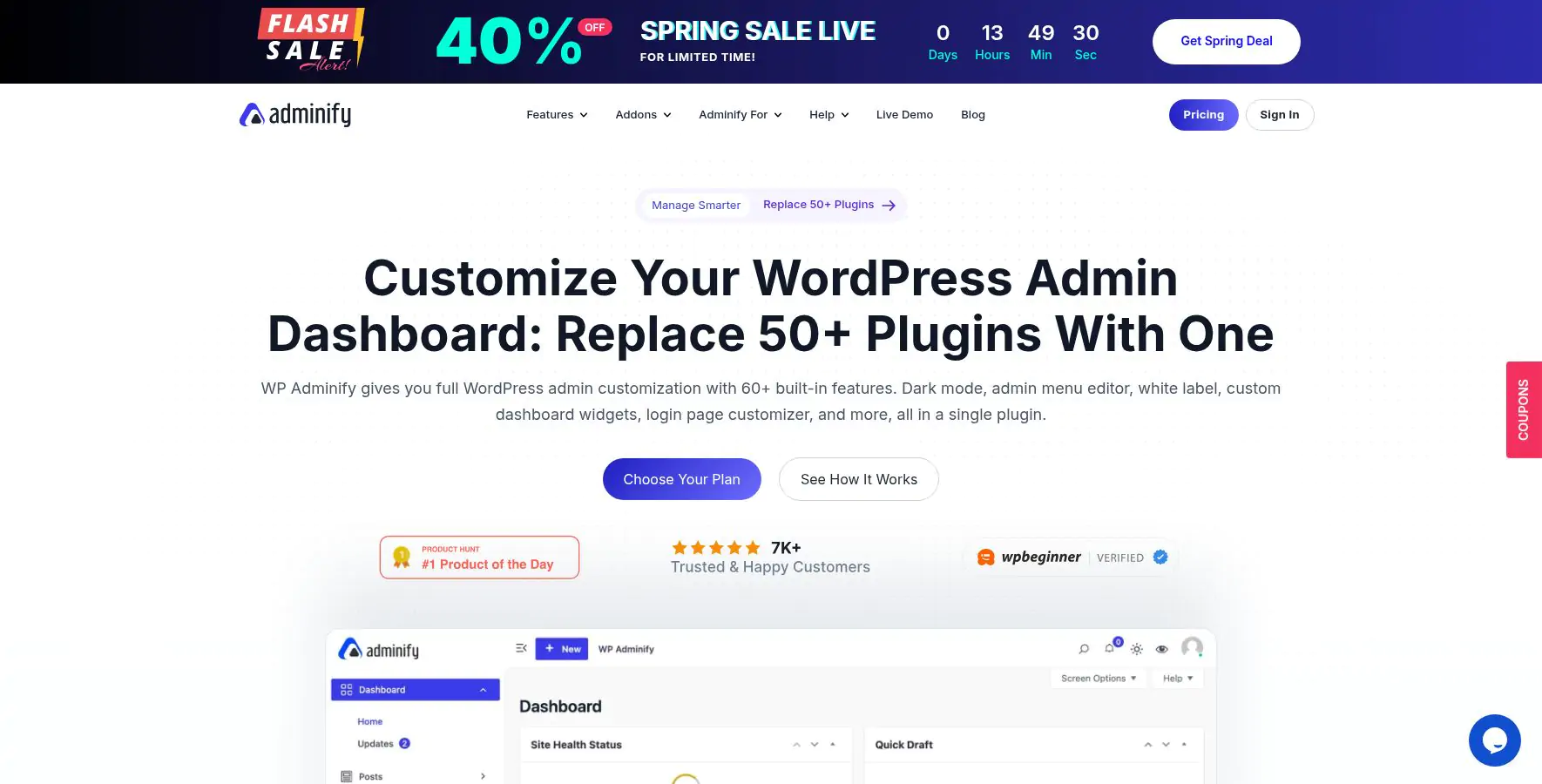
WP Adminify PRO is a comprehensive and Powerful WordPress Dashboard Plugin designed to enhance and streamline the WordPress admin experience. It serves as a toolkit that provides a wide range of features to improve website management, customization, security, and performance directly from the WordPress admin panel.
WP Adminify PRO is described as a "powerhouse toolkit" because it combines over 30 distinct modules into a single plugin, allowing you to completely overhaul the WordPress dashboard. It is designed for agencies, freelancers, and site owners who want to replace the default admin area with a branded, simplified, and client-friendly interface.
In essence, it moves beyond basic customization to offer deep control over the user experience, security, and productivity tools usually scattered across multiple plugins.
WP Adminify PRO Plugin Features
- Admin Dashboard Customization : Customize the WordPress admin area with custom dashboards, widgets, and branding options.
- User Management : Manage user roles, permissions, and profiles with advanced controls.
- Security & Login Controls : Enhance security with login lockdown, two-factor authentication, and activity monitoring.
- Performance Optimization : Tools to optimize website speed, database cleanup, and cache management.
- White-labeling : Brand the admin area with your logo and customize the admin UI for clients or internal use.
- Admin Analytics : Track admin activity and user engagement within the dashboard.
- Developer Tools : Custom code snippets, hooks, and filters for advanced customization.
- Integration : Compatible with popular plugins and tools for extended functionality.
- Admin Columns Editor : This feature gives you complete control over the post, page, and WooCommerce product list views.
- Media Library Folders : The free WordPress media library uses a single, endless list.
- Frontend Admin" Dashboard: A unique feature that allows you to move some key backend pages to the frontend.
- Activity Logs : This acts as a security camera for your site. It tracks every significant action
- Premium Templates vs. Custom Code: A user review noted that to achieve a complete visual transformation, you may need to rely on the plugin's pre-built dashboard templates.
- No Third-Party Pro Features: The plugin white-labels the WordPress dashboard, but it does not include the Pro features of other plugins you might use.
- White Label & Branding : Rebrand the entire admin panel (logo, colors, footer), create a custom login page, and enable a Dark Mode.
- Admin Menu Editor : Visually reorder, rename, hide, or add custom menu items with role-based visibility.
- Security & Performance : Change the login URL, disable comments, control the Heartbeat API, and clean up <head> section bloat.
- User Management : Track user actions with an Activity Log, create and edit user roles, and set role-based login/logout redirects.
- Productivity Tools : Duplicate posts, add custom CSS/JS, generate sidebars, and check Google PageSpeed Insights from the dashboard.












![XSender v4.1 Bulk Email, SMS and WhatsApp Messaging Application [SAAS]](https://www.codesome.net/files/items/gwpmbk7ybzjn/wWWv8w0WerHlB50_1769851409.webp)